
A mobile detailer confirms an interior cleaning for November 12, from 9 am to noon. Another car is on the calendar at 3 pm. The owner has a three hour opening and a truck that will already be in the neighborhood. Which former customer would it make sense to text?
Nearby Booker Winback starts with the confirmed visit. It checks for an adjoining opening, compares past service addresses with the booked address and builds a list of eligible text invitations. Follow this fictional Thursday through the process and you can see why even the customer across the street might never get a message.
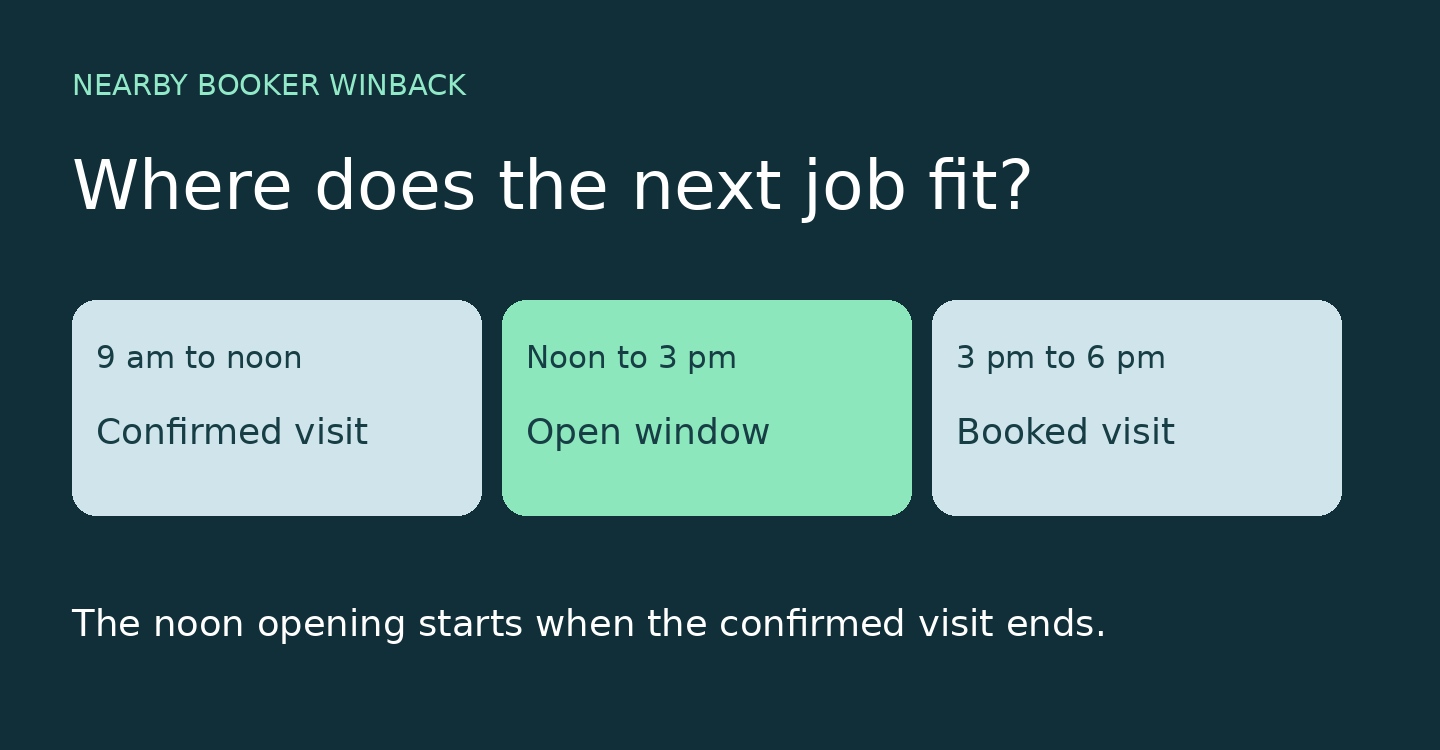
First, does the opening actually touch the job?
With Winback enabled, a confirmed booking with location coordinates can trigger a search. For the date and address of that visit, Winback checks enabled appointment windows. A window counts if it ends exactly when the confirmed job begins or starts exactly when the job ends. It also has to pass the availability check.
In our detailer’s schedule, noon to 3 pm starts when the morning visit ends. If that window is available, Winback can look for candidates. Now change just one detail: the only open window starts at 1 pm. The truck might still be nearby, but that hour between noon and 1 means the opening does not touch the morning visit. On its own it does not qualify. If there is no available adjoining window, that booking produces no new invitation list.
Four former customers, four different answers
Suppose the owner has chosen a radius of 2 miles and a service history interval of 180 days. Think of the booked driveway as the center of the search, not the detail shop. Winback compares the coordinates of the two service addresses. That radius measures geographic distance, not driving miles. Two houses across a river can be close by this measure even when the nearest bridge makes the trip longer.
Assume each person below has just one prior confirmed visit with this business. The ages are measured when Winback checks the records. Assume there is room in the sending limits and no optional route filter excludes the match.
- Ana is 1.2 miles away. Her visit was 220 days ago. Her record has SMS permission and she has no pending invitation or recent Winback text within the configured cooldown. She can enter the queue.
- Ben is across the street. His only visit was 40 days ago. The address fits. The booking is too recent for the selected history interval.
- Chris visited 240 days ago and lives 3.4 miles away. His booking is old enough, but his driveway is outside the radius. Living in the same ZIP code does not change that.
- Dee is half a mile away and visited 210 days ago. Her record has no SMS opt in. Distance and timing both fit, but she is skipped.
The history check uses dated, confirmed booking records. It is different from a rule that simply texts everyone who has ever bought a detail. It is also different from checking how long it has been since the last Winback text. The first interval concerns an appointment. The cooldown concerns contact.
What happens to Ana’s invitation?
A match creates a pending invitation. If automatic sending is enabled, queued invitations for that booking are scheduled in order of distance, with limits on how many can go out and spacing between sends. In review mode, the owner can inspect pending invitations and choose to send or skip one. Matching at 9 am is not a promise that a text arrives at 9 am.
Winback checks for an existing pending invitation to the same phone number. That matters if a second customer on the next street books while Ana’s first invitation is still waiting. Another qualifying job should not give her a second pending text. The configured cooldown also lets a recent Winback send exclude a number. Opted out numbers are screened when the list is built.
The text uses the business’s Winback template. It can draw on the upcoming job date and the former customer’s service history. Here is example wording: “Hi Ana, we’ll be detailing cars in your neighborhood on November 12. If you’d like your interior cleaned before winter, you can check available times on our booking page.” Ana learns why the shop reached out today. She does not need to know whose driveway the truck is visiting.
The text opens a conversation. It does not reserve noon.
Ana might want a light interior clean. She might now have a different vehicle with a much bigger job. The invitation gives her a reason to check the current booking options and describe the work. The noon opening that made the invitation possible is not a hold on her behalf. If your business reviews requests, describe the next step as a request, consistent with your booking approval process.
Nearby Booker also supports configured savings offers in the booking calendar. Those are separate from deciding who qualifies for a Winback message. The detailer can give Ana a useful reason to book without promising a discount. If you mention an incentive, make sure the appointment she can actually choose carries the offer you describe.
When the original visit changes
Consider an HVAC company with a confirmed furnace maintenance visit before an available afternoon window. A former customer nearby could be a good maintenance invitation. If the original visit is cancelled before the messages go out, Winback removes pending invitations tied to it. A text already delivered to a phone cannot be taken back.
If the original visit moves instead, the sending process reads the trigger booking again when it prepares the text. Using the date from the booking in the template matters: typing “Thursday” as fixed text will still say Thursday after a move. This is one reason to review your wording as carefully as your radius.
For a first review, pick one confirmed visit and predict the result yourself: identify the touching opening, one past customer who should qualify and one who should be skipped. Compare your prediction with the pending invitations. If nobody appears, check the opening before widening the radius. A larger circle cannot fix a full day. For the wider business context, read how nearby customer rebooking fits a service route.