Google Calendar Scheduling for Service Businesses: Why Calendar Visibility Is Not Enough
Google Calendar is great for seeing what is booked. It is not enough to decide what should be booked.
That is the mistake many service businesses make. They use Google Calendar as the center of the schedule, then wonder why the day still feels messy. The calendar shows appointments, but it does not automatically know whether a job fits the route, whether the customer is nearby, whether the appointment window makes sense, or whether the customer has been properly reminded.
For local service businesses that travel to customer locations, calendar visibility matters. But visibility alone does not protect the schedule.
Nearby Booker helps service businesses use online booking, route-aware scheduling, appointment reminders, and Google Calendar visibility together, so the business can make smarter booking decisions before appointments land on the calendar.
Google Calendar Shows the Schedule. It Does Not Build the Route.
Google Calendar is useful because it gives owners and teams a clean way to see what is already booked. That matters. A service business needs to know when appointments are happening, who is on the schedule, and where the day is headed.
But Google Calendar was not built specifically for mobile service businesses.
A carpet cleaner, mobile detailer, window cleaner, lawn care company, pest control provider, plumber, electrician, HVAC company, handyman, appliance repair company, garage door company, or residential cleaning company has a different scheduling problem than a business that works from one fixed location.
The appointment is not just a time block. It is a destination.
Every appointment affects drive time, arrival windows, route flow, customer communication, and how much work can realistically fit into the day.
Google Calendar can show the appointment. It does not automatically tell you whether the appointment should have been booked there in the first place.
The Real Scheduling Question Happens Before the Calendar
Most scheduling problems start before the job reaches the calendar.
A customer requests a time. The business checks availability. The time looks open. The appointment gets added. On paper, everything looks fine.
Then the real-world problem shows up.
The customer is across town from the rest of the route. The job creates a long drive between appointments. The appointment window is too tight. The customer did not give enough details. The address is outside the normal service area. The team has to rush. The next customer gets delayed.
The calendar did not create the problem. The booking decision did.
That is why service businesses need a workflow that helps them evaluate the appointment before it gets confirmed. Nearby Booker is built around that idea.
For the full product explanation, read What Is Nearby Booker?.
Calendar Visibility Is Only One Piece of the System
A strong scheduling system for a service business should do more than display appointments. It should help the business make better decisions about those appointments.
Calendar visibility helps answer questions like:
- What is already booked?
- What time is the appointment?
- Who is on the schedule?
- What does the day look like?
But service businesses also need to answer harder questions:
- Does this customer fit the route?
- Is this appointment close to other jobs?
- Will this booking create unnecessary drive time?
- Does this job belong in this appointment window?
- Is the customer inside the right service area?
- Has the customer confirmed the details?
- Will this appointment make the day easier or harder to run?
Those questions need to be answered before the appointment becomes just another block on the calendar.
Why Basic Google Calendar Scheduling Falls Short
Many small service businesses start with Google Calendar because it is familiar and easy. That is fine. The problem starts when Google Calendar becomes the entire scheduling strategy.
A calendar can become full without becoming efficient.
A business may have jobs booked from morning to afternoon, but if those jobs are scattered across different parts of town, the day may still be weak. A calendar may show open time at 2:00, but it does not automatically know whether the next customer belongs in that opening.
That is why basic calendar scheduling can create hidden problems:
- Jobs get booked too far apart.
- Open slots get filled with the wrong customers.
- Drive time eats into paid work time.
- Arrival windows become harder to protect.
- Customers need extra manual follow-up.
- The owner has to constantly fix scheduling decisions after the fact.
The calendar can show the damage, but it does not always prevent it.
Online Booking Needs Calendar Visibility and Booking Control
Online booking is powerful, but only when the business keeps control of the schedule.
If customers can request any open time without location context, online booking can create the same problems as manual scheduling, only faster. A customer may pick an open slot that technically fits the calendar but makes no sense for the route.
That is why online booking for service businesses needs to connect with service area logic, appointment windows, customer location, reminders, and calendar visibility.
The customer should get a simple booking experience. The business should still have enough context to decide whether the appointment belongs in that window.
Nearby Booker helps support that middle step between request and confirmation. The appointment can still appear on Google Calendar, but the business gets a smarter decision process before it gets there.
Route-Aware Scheduling Comes Before Calendar Cleanup
If the route is already messy, Google Calendar will only show you a messy route in a clean format.
The better move is to make smarter booking decisions before the schedule fills up. That is where route-aware scheduling software matters.
Route-aware scheduling means the business considers time and location together before confirming the appointment. The goal is to avoid booking jobs that look fine as calendar blocks but create wasted drive time in the field.
For example, a window cleaning company may already have two jobs in one neighborhood on Thursday. If a nearby customer requests service, that customer may fit Thursday well. If another customer is across town, the business may want to offer a different day when that area already has work nearby.
Google Calendar can show both appointments. Route-aware scheduling helps decide which appointment should be accepted, when it should happen, and whether it strengthens the day.
Google Calendar Does Not Replace Customer Reminders
Another mistake is thinking that once an appointment is on the calendar, the job is protected.
It is not.
A customer can forget. They can miss a preparation instruction. They can give the wrong address. They can fail to unlock a gate, move vehicles, secure pets, or confirm access. When that happens, the technician may already be on the way.
That is why SMS appointment reminders are part of the scheduling system, not just a customer-service extra.
Reminders help confirm the appointment before the route gets disrupted. They help protect the workday after the appointment has been accepted.
Google Calendar can show the job. SMS reminders help make sure the customer is ready for it.
What Google Calendar Is Good For
Google Calendar still has an important place in a service business scheduling workflow.
It is good for visibility. It gives the owner or team a familiar place to see confirmed work. It can help the business quickly understand what is booked, when jobs are happening, and how the day is structured.
Google Calendar is useful for:
- Viewing confirmed appointments
- Seeing the day or week at a glance
- Keeping the team aware of scheduled work
- Reducing confusion about appointment times
- Maintaining a familiar calendar workflow
Nearby Booker does not need to replace Google Calendar. The better approach is to make the booking decision smarter before the appointment reaches the calendar.
What Google Calendar Is Not Built to Do
Google Calendar is not designed to be a full route-aware booking system for local service businesses.
It does not automatically know whether a customer is near another job. It does not guide customers toward better appointment windows by service area. It does not decide whether an open slot is actually useful. It does not protect the route before the booking happens.
That is not a failure of Google Calendar. It is just not the whole system.
Service businesses need more than a place to store appointments. They need a workflow that helps place appointments better.
That is where Nearby Booker fits.
A Better Workflow for Service Business Scheduling
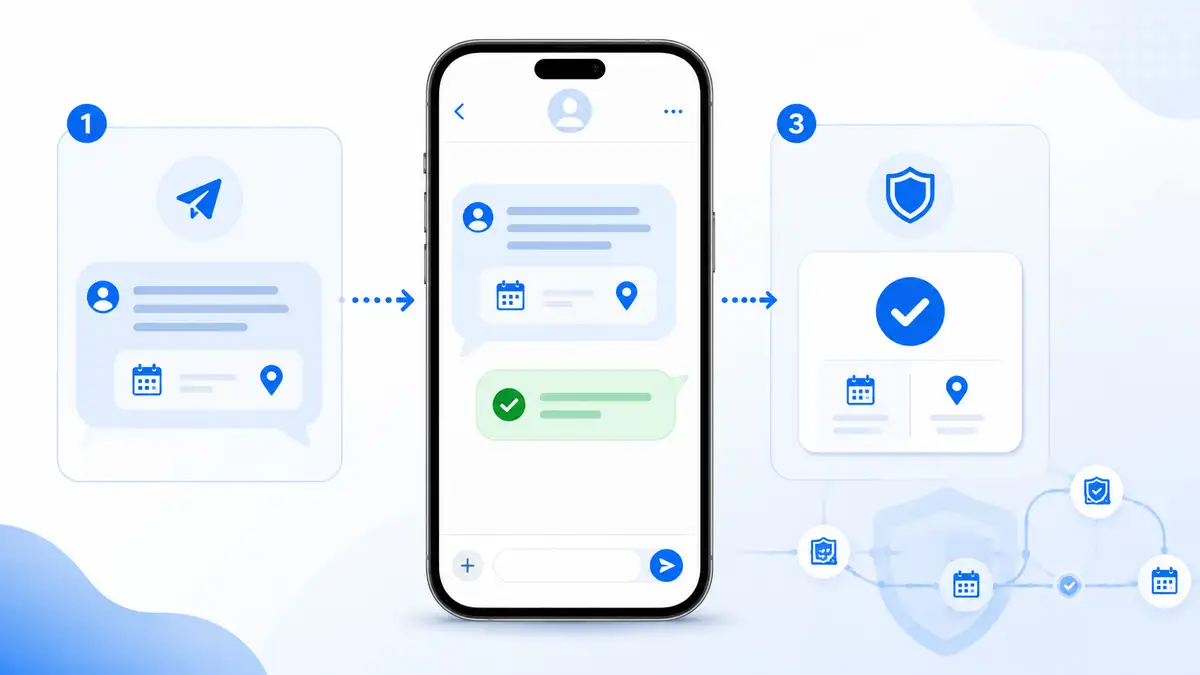
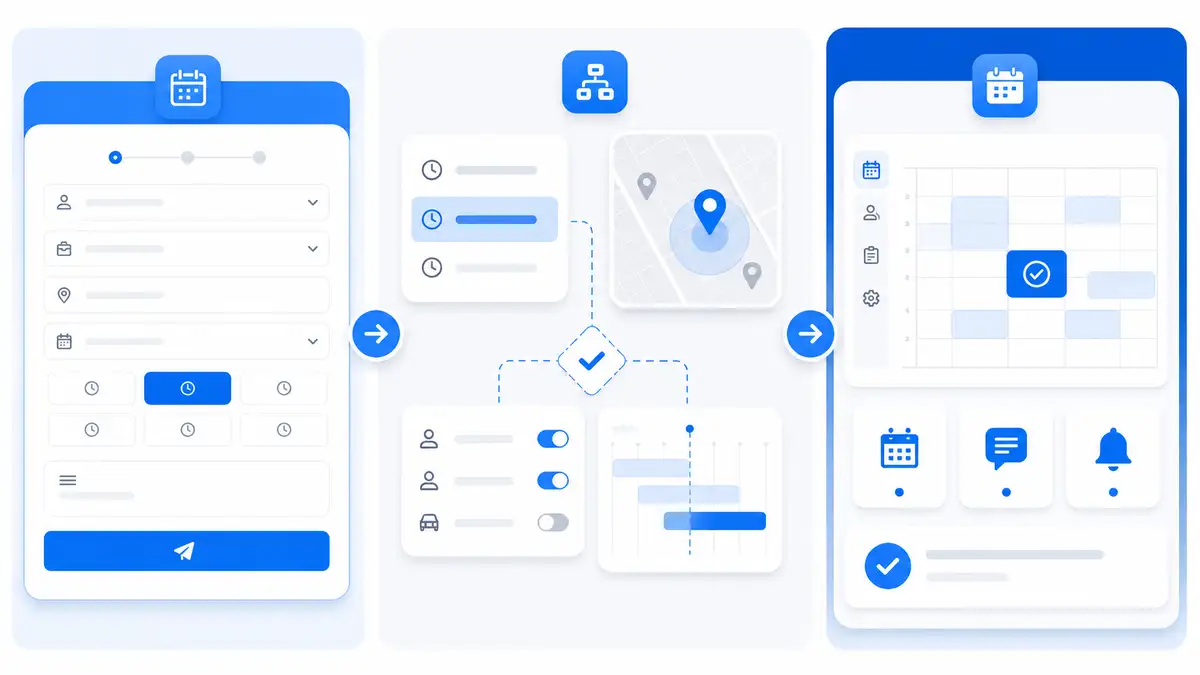
A stronger scheduling workflow looks like this:
- The customer submits an online booking request.
- The business collects the service address and job details.
- The appointment request is evaluated based on location, appointment window, service area, and existing jobs.
- The business decides whether that time makes sense.
- The customer receives confirmation and reminders.
- The confirmed appointment is visible on the calendar.
That workflow is stronger because the calendar is not doing all the work. The calendar becomes the place where confirmed appointments are visible, not the only tool deciding what should happen.
This is the difference between calendar visibility and scheduling control.
Example: A Calendar That Looks Full but Runs Badly
Imagine a mobile service business has four appointments booked in one day.
The calendar looks full. There is an 8:00 job, an 11:00 job, a 2:00 job, and a 4:30 job. At first glance, it looks productive.
But the 8:00 job is on the north side of town. The 11:00 job is on the south side. The 2:00 job is back near the north side. The 4:30 job is across town again.
The calendar is full, but the day is inefficient.
The business is spending too much time driving, too much time rushing, and too much time trying to keep arrival windows realistic.
A better system would have helped the business think about appointment placement earlier. That is the kind of problem Nearby Booker is designed to help solve.
Example: A Calendar That Supports the Route
Now imagine the same business has a cleaner workflow.
The customer still requests service online. The business still uses calendar visibility. But before the appointment is confirmed, the booking request is reviewed with location and route context.
If a customer is near existing work, the business can prioritize that window. If a customer is far from the current route, the business can guide them toward a better day or time. If the appointment is accepted, reminders help confirm the details before the technician heads out.
The calendar still matters. But now the calendar is showing better decisions.
Nearby Booker Helps Before and After the Calendar
Nearby Booker helps service businesses on both sides of the calendar.
Before the appointment reaches the calendar, Nearby Booker helps the business think about the booking decision: customer location, appointment windows, service areas, nearby jobs, and route fit.
After the appointment is accepted, Nearby Booker helps support reminders and visibility so the customer is less likely to forget, miss details, or create last-minute confusion.
That makes the schedule stronger before and after the calendar entry exists.
What to Look for in Google Calendar Scheduling Software
If a service business wants to keep using Google Calendar, the best software should work with that habit instead of fighting it.
Look for a scheduling workflow that supports:
- Online booking requests
- Customer address collection
- Service area logic
- Appointment window control
- Route-aware scheduling decisions
- Nearby appointment booking
- SMS appointment reminders
- Google Calendar visibility
- Cleaner customer intake
- Less manual back-and-forth texting
The goal is not to abandon Google Calendar. The goal is to stop asking Google Calendar to solve problems it was not built to solve.
Stop Using the Calendar as the Whole Scheduling System
Google Calendar is useful. But for service businesses, it should not be the entire scheduling brain.
A calendar can tell you what is booked. It cannot always tell you whether the booking was smart.
Nearby Booker helps local service businesses make better booking decisions before appointments become calendar events. It helps connect online booking, route-aware scheduling, nearby appointment logic, SMS reminders, and Google Calendar visibility into one cleaner workflow.
If your calendar looks organized but your workday still feels scattered, the problem may not be the calendar view. The problem may be the booking process behind it.
Nearby Booker helps service businesses book smarter, protect the route, and keep calendar visibility useful without giving up control of the schedule.
FAQs
Is Google Calendar enough for service business scheduling?
Google Calendar is useful for seeing confirmed appointments, but it is usually not enough by itself for service businesses that travel to customers. These businesses also need to consider location, routes, service areas, appointment windows, and reminders.
Does Nearby Booker replace Google Calendar?
Nearby Booker does not need to replace Google Calendar. It helps service businesses make smarter booking decisions before appointments reach the calendar, while still supporting cleaner calendar visibility for confirmed jobs.
Why does calendar visibility matter for service businesses?
Calendar visibility matters because service businesses need to see what is booked and when work is scheduled. But visibility alone does not solve route problems, reduce drive time, or confirm that customers are ready.
How does route-aware scheduling improve Google Calendar scheduling?
Route-aware scheduling improves the booking decision before the appointment lands on the calendar. It helps service businesses consider customer location, nearby jobs, appointment windows, and route fit before confirming the job.
What should service businesses use with Google Calendar?
Service businesses should use Google Calendar visibility alongside online booking, customer address collection, service area logic, route-aware scheduling, nearby appointment booking, and SMS appointment reminders.