SMS Appointment Reminders for Service Businesses: Stop Losing Time to No-Shows and Last-Minute Confusion
A no-show is not just an empty appointment. For a service business, it can wreck the route, waste drive time, delay the next job, and cost real money.
When a customer forgets an appointment, gives the wrong address, misses a prep instruction, or tries to reschedule after the technician is already on the way, the damage is bigger than one missed job. The whole schedule can get thrown off.
That is why SMS appointment reminders matter for service businesses. They are not just nice customer-service messages. They help protect the route, confirm important details, reduce manual texting, and keep the workday moving.
Nearby Booker helps local service businesses connect online booking, appointment windows, customer details, reminders, and calendar visibility so the business is not constantly chasing customers after the appointment is already on the schedule.
Why No-Shows Hurt Service Businesses More
No-shows are frustrating for any business, but they are especially expensive for companies that travel to customer locations.
A salon no-show leaves an empty chair. A service business no-show can mean a technician drove across town, unloaded equipment, waited for access, called the customer, texted the customer, and then had to figure out what to do next.
That wasted time does not stay isolated. It can push the next appointment late. It can create route gaps. It can burn fuel. It can force the owner to rearrange the day while still trying to handle new calls, customer questions, and existing work.
For mobile detailers, carpet cleaners, window cleaners, pest control companies, residential cleaners, lawn care companies, HVAC companies, plumbers, electricians, handymen, appliance repair businesses, and other local service providers, one missed appointment can create a chain reaction.
SMS reminders help reduce that risk by confirming the appointment before the business commits time, travel, and labor.
Appointment Reminders Are Route Protection
Most people think of appointment reminders as customer communication. For service businesses, they are also route protection.
If the customer forgot the appointment, the business needs to know before someone drives there. If the address is wrong, the business needs to catch it before the technician is already on the road. If the customer needs to unlock a gate, move cars, secure pets, clear access, or confirm availability, that needs to happen before the appointment window starts.
A reminder can protect the whole day by confirming the basics:
- The appointment date
- The appointment window
- The service address
- Access instructions
- Preparation details
- Customer availability
- Reschedule needs before the technician is on the way
That is why reminders should be part of the scheduling system, not an afterthought.
Basic Online Booking Is Not Enough
Online booking can help customers request appointments faster, but the job is not protected just because someone filled out a form.
A customer can book a time and still forget. They can enter the wrong address. They can miss important preparation details. They can request a slot that creates a scheduling problem. They can assume the business knows something they never actually explained.
That is why online booking for service businesses needs to connect with reminders, location awareness, and calendar visibility.
The booking request is only the start. The appointment still has to be confirmed, prepared for, and completed without disrupting the rest of the route.
Nearby Booker helps service businesses build a cleaner workflow from customer request to confirmed appointment, instead of relying on scattered texts and memory.
Why SMS Works Better Than Email for Appointment Reminders
Email still has a place, but SMS is often better for time-sensitive appointment communication.
Customers may ignore email, miss it, or have it land in spam. Text messages are more direct. They show up on the phone customers already use throughout the day.
For service businesses, that matters because the reminders are not just informational. They are operational.
A customer who sees a reminder the day before the visit has time to reschedule, confirm details, unlock access, move vehicles, or prepare the work area. A customer who sees the reminder too late can create a problem the business has to solve in real time.
SMS reminders help reduce the gap between “the appointment is on the calendar” and “the customer is actually ready.”
What a Good SMS Reminder Should Do
A good SMS reminder should be short, clear, and useful. It should not feel like a random marketing text. It should help the customer understand what is happening and what they need to do.
For a local service business, a strong reminder may include:
- The business name
- The appointment date
- The appointment window
- The service address
- A short confirmation request
- Any important preparation instructions
- A simple way to respond if something changed
The reminder should make the appointment clearer, not more confusing.
For example, a carpet cleaning company may remind the customer to move small items and confirm access. A mobile detailer may remind the customer where the vehicle will be parked. A pest control company may remind the customer about pets, gates, or entry points. A window cleaning company may remind the customer about screens, locks, or outdoor access.
The exact message changes by industry, but the purpose is the same: confirm the appointment before the route gets disrupted.
Reminders Help Reduce Manual Texting
Many service business owners spend too much time sending the same messages over and over.
They confirm the appointment. They ask for the address. They remind the customer about access. They explain the arrival window. They answer the same scheduling questions. They follow up the night before. They send another text the morning of the job.
That may work when the business is small, but it becomes a mess as the schedule grows.
Manual texting also creates inconsistency. Some customers get complete details. Some get partial details. Some get forgotten when the owner is busy. Some reminders go out too late to be useful.
Nearby Booker helps reduce that kind of manual back-and-forth by connecting reminders to the booking workflow. The goal is not to remove the human side of the business. The goal is to stop wasting time repeating the same scheduling messages every day.
SMS Reminders Support Better Routes
A good route can still fall apart if customers are not ready.
That is why SMS reminders connect directly to route efficiency. The business can build a smart schedule, group nearby jobs, and plan a solid day. But if the first customer forgets, the second customer is not home, or the third address is wrong, the route gets weaker fast.
This is why reminders should be part of a bigger scheduling strategy, not a separate tool floating on its own.
When reminders work with route-aware scheduling software, the business can protect both sides of the appointment: where the job is placed and whether the customer is ready when the time comes.
That combination is powerful for service businesses because the schedule is not just a list of jobs. It is a route that has to work in the real world.
Reminders Can Help Reduce Drive Time Waste
SMS reminders do not directly shorten the road, but they can reduce wasted trips.
If a customer needs to cancel, reschedule, fix an address, or clarify access, the business wants to know before the technician drives there. That is how reminders help reduce wasted time even when the route itself has already been planned.
This connects directly to the bigger goal of trying to reduce drive time between service appointments. Drive time is not only about the miles between stops. It is also about avoiding unnecessary trips, failed visits, and route disruptions that could have been prevented.
A confirmed customer is easier to serve. A prepared customer is easier to serve. A customer who responds early is easier to reschedule without destroying the day.
That is the real value of reminders.
Examples by Service Business Type
SMS reminders are useful across almost every business that travels to customers, but the details can change by industry.
Mobile Detailers
A mobile detailer may need to confirm where the vehicle will be parked, whether water or power is available, and whether the customer will be present. A reminder can prevent wasted setup time and confusion when the technician arrives.
Carpet Cleaners
A carpet cleaning company may need customers to move small items, secure pets, clear driveway access, or confirm which rooms are being cleaned. A reminder can make the job smoother before the van is even parked.
Lawn Care Companies
A lawn care company may need gate access, pet instructions, or notice if the yard is blocked. A quick reminder can prevent skipped work and extra follow-up.
Pest Control Companies
A pest control company may need entry access, preparation instructions, or confirmation that someone will be home. Reminders help reduce missed service windows.
Residential Cleaning Companies
A cleaning company may need lockbox details, alarm instructions, parking information, or confirmation that the home is ready. A reminder can prevent delays and team confusion.
Home Repair and Trade Businesses
Plumbers, electricians, HVAC companies, appliance repair companies, handymen, and garage door companies often need customers present or need access to specific areas. SMS reminders can reduce wasted visits and keep the day moving.
Appointment Reminders Should Not Feel Robotic
Automation does not mean the business has to sound cold.
The best SMS reminders are simple, helpful, and written like a real service business would talk to a customer. The goal is not to spam people. The goal is to give customers the right information at the right time.
A reminder should feel like part of the service experience.
That means the message should be clear, polite, and direct. It should not be overloaded with unnecessary information. It should not sound like a generic corporate blast. It should help the customer know exactly what to expect.
Nearby Booker is built around that practical approach: give service businesses cleaner communication without making the process feel complicated.
Where Nearby Booker Fits
Nearby Booker helps connect the pieces that service businesses need before and after an appointment is booked.
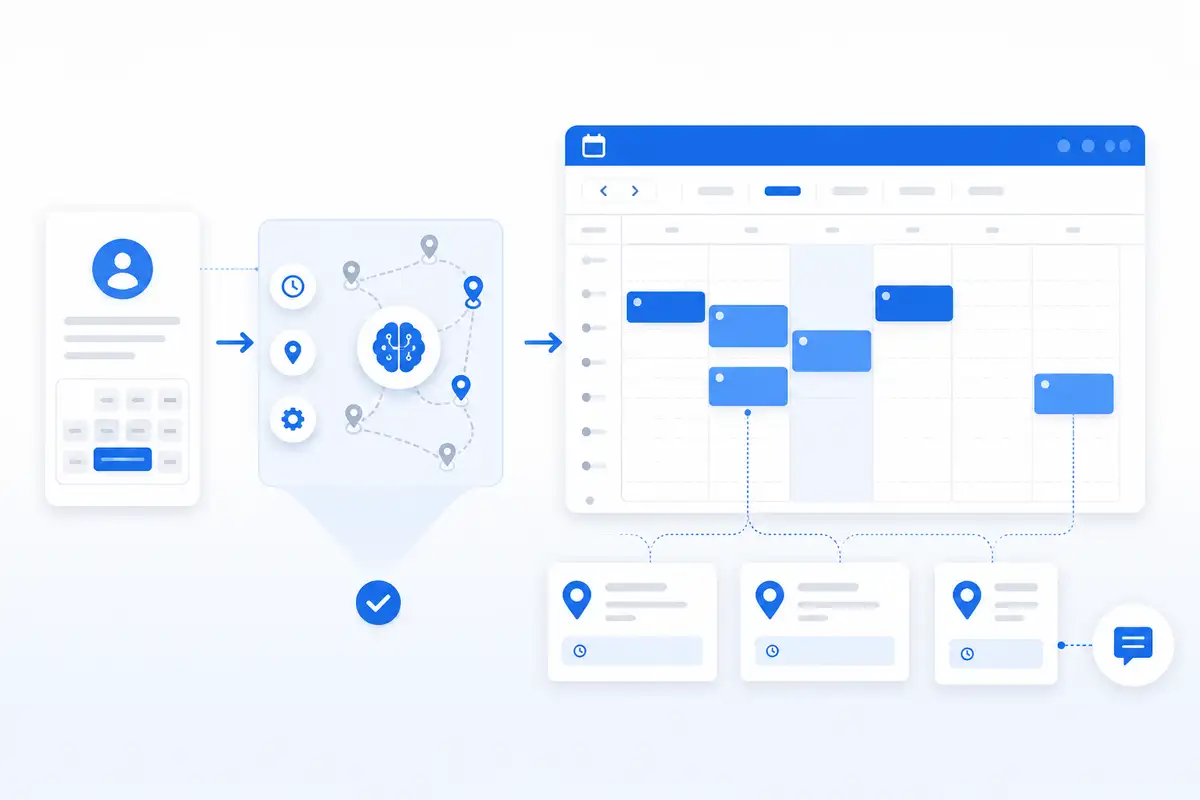
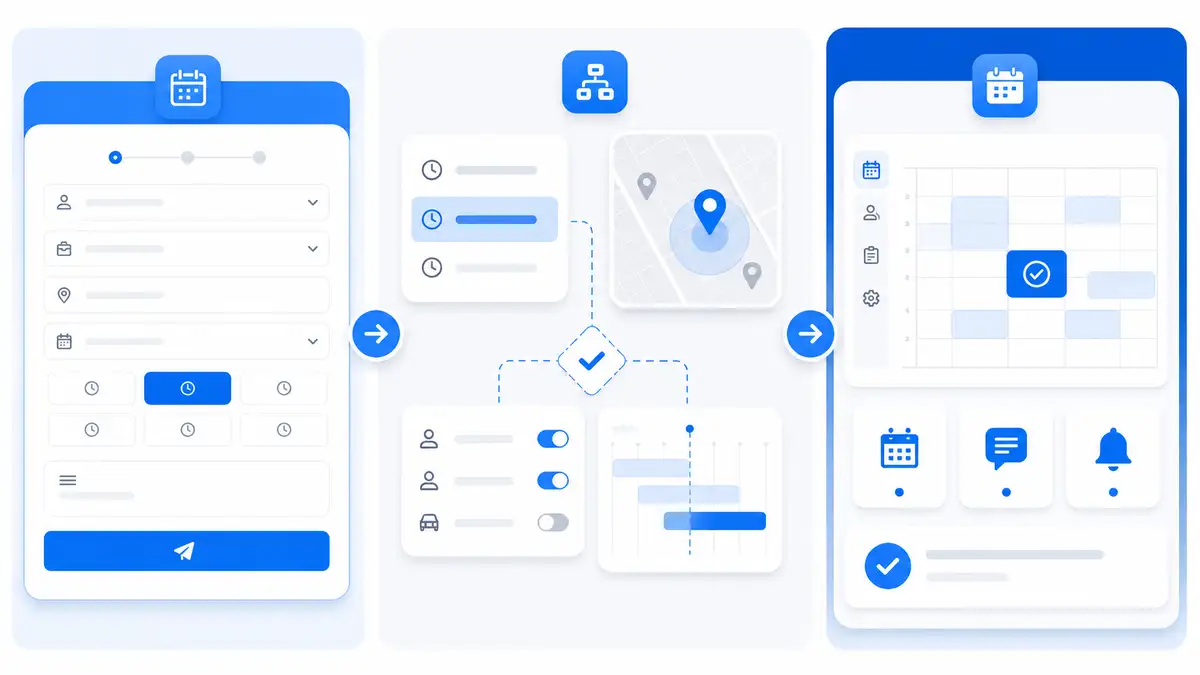
It supports the bigger workflow: online booking, appointment windows, location-aware scheduling, route-aware decisions, SMS reminders, and Google Calendar visibility.
That matters because these problems are connected.
A booking request affects the route. The route affects the appointment window. The appointment window affects the reminder. The reminder affects whether the customer is ready. The customer being ready affects whether the day stays on track.
Nearby Booker helps service businesses stop managing all of that with scattered texts, memory, and guesswork.
For a full explanation of the product, read What Is Nearby Booker?.
What to Look for in SMS Reminder Software
Service businesses should not choose reminder software based only on whether it can send a text. The real question is whether the reminders support the scheduling workflow.
Look for features that help with:
- Appointment window reminders
- Customer address confirmation
- Service details
- Preparation instructions
- Reschedule awareness
- Cleaner customer intake
- Google Calendar visibility
- Route protection
- Less manual back-and-forth texting
The right reminder system should help the business keep appointments from turning into route problems.
Stop Letting No-Shows Control the Day
Service businesses already have enough moving parts. The schedule should not fall apart because a customer forgot, missed a detail, or failed to respond until the technician was already on the way.
SMS appointment reminders help protect the day before the problem starts.
Nearby Booker helps service businesses use reminders as part of a smarter booking workflow, not as a disconnected afterthought. That means better appointment confirmation, less wasted time, cleaner communication, and a schedule that is easier to manage.
If your service business is still relying on memory and manual texts to keep customers ready, it is time to tighten the system.
Nearby Booker helps you book smarter appointments, remind customers at the right time, and keep the route moving.
FAQs
Why are SMS appointment reminders important for service businesses?
SMS appointment reminders help service businesses reduce no-shows, confirm appointment details, protect routes, and avoid wasted trips. They are especially useful for businesses that travel to customer locations.
Do SMS reminders help reduce no-shows?
Yes. SMS reminders can reduce no-shows by reminding customers before the appointment, confirming the appointment window, and giving customers a chance to respond if something has changed.
What should an appointment reminder include?
An appointment reminder should usually include the business name, appointment date, appointment window, service address, and any important preparation or access instructions.
Are SMS reminders better than email reminders?
SMS reminders are often better for time-sensitive appointment communication because customers are more likely to see text messages quickly. Email can still be useful, but SMS is usually stronger for day-before and day-of reminders.
How does Nearby Booker use SMS reminders?
Nearby Booker helps connect SMS reminders with the booking workflow so service businesses can confirm details, reduce manual texting, protect the route, and keep appointments running smoother.