How to Reduce Drive Time Between Service Appointments
Drive time is one of the easiest costs for a service business to ignore because it does not always show up as a separate line item. The calendar looks full, the phone is ringing, and the team is busy. But if appointments are scattered across town, the business can lose hours every week just moving between jobs.
For service businesses that travel to customer locations, reducing drive time is not just about saving gas. It affects how many appointments can fit in a day, how reliable arrival windows feel to customers, how much stress the team carries, and how profitable each route becomes.
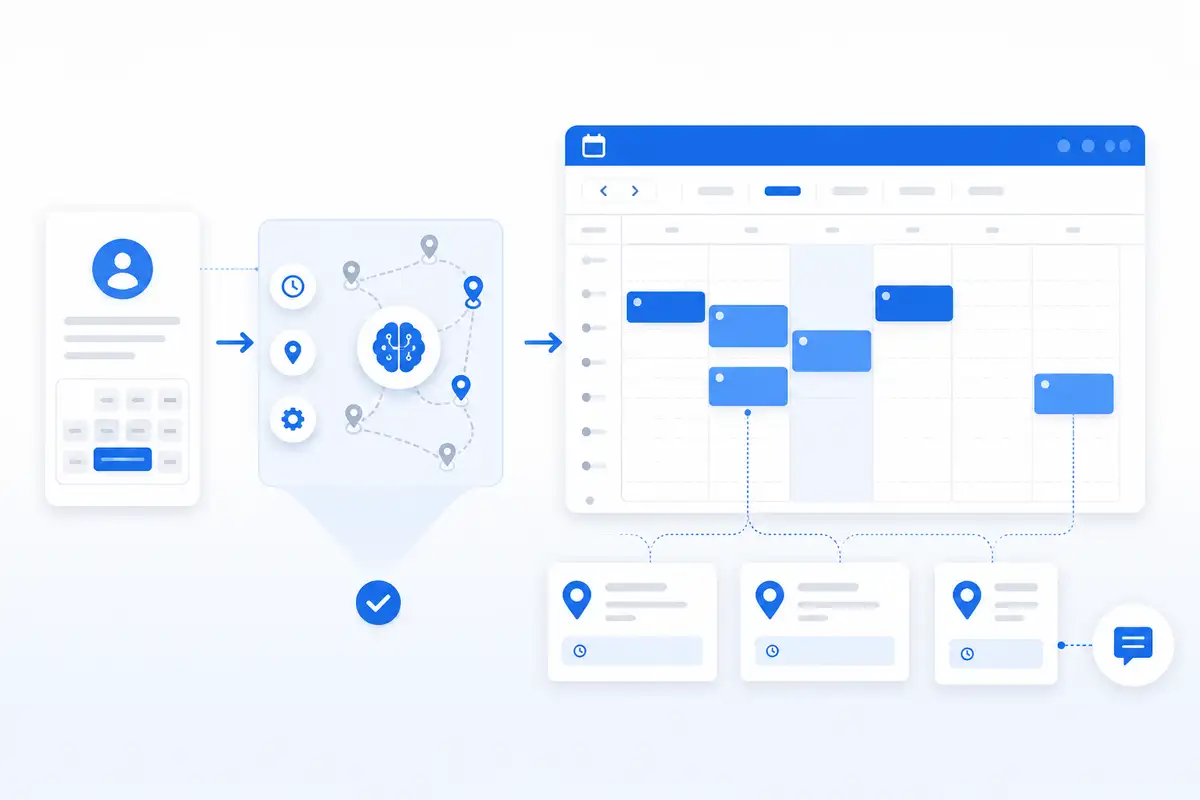
NearbyBooker helps local service businesses think about scheduling before the route gets messy. Instead of treating every open time slot the same, NearbyBooker helps owners guide customers toward better appointment windows based on location, nearby jobs, service areas, reminders, and calendar visibility.
Why Drive Time Becomes a Hidden Profit Leak
Most service businesses start by trying to get more jobs. That makes sense. More jobs usually means more revenue. But once the schedule starts filling up, the next problem is not always lead volume. Sometimes the problem is how the jobs are placed.
A mobile detailer may have three appointments in one day but spend too much time driving between them. A lawn care company may have recurring customers spread across different neighborhoods when they could be grouped tighter. A pest control company may leave gaps in the route because the open appointments are not being offered to the right nearby customers. A handyman may accept a small repair across town that blocks out time better used in a closer area.
The business is technically busy, but the route is inefficient.
That is where drive time becomes expensive. Every extra trip across town takes time away from paid work, creates more room for delays, and makes the whole day harder to control.
Open Time Is Not the Same as Useful Time
A calendar can show an open appointment window, but it does not tell you whether that appointment belongs in that part of the day.
A 2:00 opening may look available. But if the customer is far away from the morning route and nowhere near the late afternoon job, that appointment may create more problems than it solves. The business might still take the job, but the schedule becomes weaker.
Useful time is different. Useful time is an opening that fits the route, the service area, the customer details, and the rest of the day.
That is why reducing drive time starts with better scheduling decisions. A service business does not need to accept every appointment at the first available time. It needs a way to guide customers toward windows that make the route stronger.
How Route-Aware Scheduling Helps
Route-aware scheduling means the business looks at both time and location before confirming the appointment. The goal is to avoid building days that look organized on the calendar but fall apart on the road.
If you want the bigger strategy behind this, read our guide on route-aware scheduling software. That article explains why service businesses need to think beyond basic availability and start booking around route fit.
Route-aware scheduling helps service businesses ask better questions before locking in the job:
- Is this customer near another appointment?
- Does this job fit the route for that day?
- Would another time window reduce drive time?
- Is the appointment worth the travel?
- Does the customer need to be guided toward a better opening?
- Will this booking make the day easier or harder to run?
NearbyBooker supports this kind of thinking by helping local service businesses connect booking requests with route context, calendar visibility, and appointment reminders.
How Nearby Appointment Booking Fits In
Nearby appointment booking is the practical method for filling open slots by area. Instead of offering every open time to every customer, the business can prioritize appointment windows that fit nearby work.
For a deeper look at that workflow, read our article on nearby appointment booking. It explains how service businesses can fill open time slots based on location instead of treating every customer request the same.
For example, if a window cleaner already has two jobs in the same neighborhood on Thursday, a nearby customer should probably be encouraged toward that same day. If another customer is across town, that customer may be better served on a different day when the route is already closer.
That is not about turning customers away. It is about offering smarter appointment options.
A business can still serve the customer. The difference is that the appointment gets placed in a way that protects the route instead of damaging it.
Example: Mobile Detailing
Mobile detailing is a perfect example because every job includes travel, setup, service time, and cleanup. A full detail can take hours, so bad appointment placement can quickly ruin the day.
If a mobile detailer books one customer on the west side in the morning, another on the east side at noon, and a third back near the west side later, the calendar may look productive. But the route is wasting time.
A better schedule would group nearby customers together when possible. That might mean offering certain areas specific appointment windows or nudging customers toward days when the business is already nearby.
NearbyBooker helps with this by making location part of the booking decision. The customer still gets a clear booking experience, but the business gets a better chance to keep appointments closer together.
Example: Lawn Care and Pest Control
Lawn care and pest control businesses often deal with repeat routes. That makes drive time even more important because inefficient routes repeat every week, month, or season.
If recurring jobs are not grouped well, the business keeps paying for that mistake over and over. A few extra minutes between stops may not sound like much, but repeated across dozens of appointments, it adds up fast.
A lawn care company may want to keep customers in the same neighborhood on the same day. A pest control company may want to fill open slots near existing service calls. A residential cleaning company may want teams working in tighter areas instead of bouncing across town.
The exact service changes, but the scheduling problem is the same: scattered appointments make the day harder to run.
Why Basic Booking Forms Fall Short
A basic booking form can collect a name, phone number, address, and preferred time. That is useful, but it is not enough to reduce drive time by itself.
The form does not know whether the requested time fits the route. It does not know whether the business is already nearby that day. It does not know whether the appointment creates extra backtracking.
That is why service businesses need more than a simple form. They need a workflow that connects booking, location, reminders, and calendar visibility.
NearbyBooker is designed for that middle step between the customer request and the confirmed appointment. It helps the business think through whether the appointment fits before it gets locked in.
Use Service Areas to Control the Schedule
One way to reduce drive time is to use service areas more intentionally.
Instead of letting every customer request any time on any day, a service business can guide appointment options around where work is already happening. This does not have to be complicated. Even simple area-based scheduling rules can help.
For example:
- A mobile detailer may group certain towns together on specific days.
- A window cleaning company may encourage customers in nearby neighborhoods to book the same week.
- A lawn care company may keep recurring customers grouped by area.
- A handyman may avoid small jobs that pull the route too far out of the way.
- A pest control company may fill open windows near existing appointments.
The goal is not to make the schedule rigid. The goal is to stop letting random booking requests control the route.
SMS Reminders Help Protect the Route
Reducing drive time is not only about where jobs are booked. It is also about making sure customers are ready when the appointment arrives.
A missed appointment or wrong address can wreck an otherwise good route. The technician may drive to the location, wait for access, call the customer, and lose time that affects the next job.
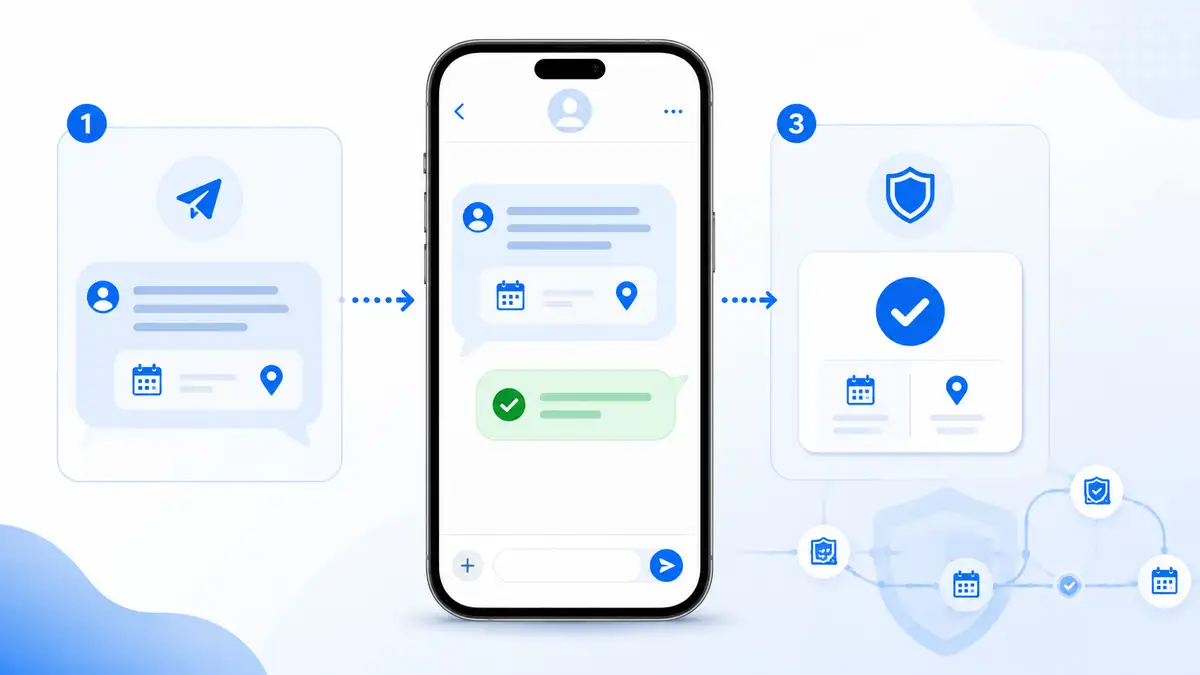
SMS appointment reminders help reduce that risk. A good reminder can confirm the appointment window, service address, access instructions, and preparation details before the technician is on the way.
For service businesses, reminders are not just customer service. They are route protection.
NearbyBooker helps connect appointment booking with reminders so the business can reduce unnecessary back-and-forth and keep the schedule moving.
Google Calendar Visibility Still Matters
Many local service businesses already rely on Google Calendar. That is fine. The problem is when Google Calendar becomes the entire scheduling system.
A calendar is good at showing what is booked. It is not always good at helping decide what should be booked.
NearbyBooker helps strengthen the workflow before the appointment reaches the calendar. The business can use booking details, location, route fit, and reminder logic before the confirmed appointment lands on the schedule.
That gives the owner or team cleaner calendar visibility without forcing every scheduling decision to happen inside the calendar itself.
What to Fix First
If your service business wants to reduce drive time, start with the part of the schedule that creates the most waste.
Look for patterns like:
- Jobs booked on opposite sides of town.
- Open slots that stay empty even when nearby customers exist.
- Customers choosing appointment windows that make the route worse.
- Too much manual texting before confirming jobs.
- Technicians waiting because customers forgot the appointment.
- A calendar that looks full but produces too much windshield time.
Once you see the pattern, the fix becomes clearer. You may need better intake forms, better appointment window control, stronger reminders, service area rules, or nearby booking logic.
NearbyBooker helps bring those pieces together so the business can stop treating every appointment as a separate decision.
Where NearbyBooker Fits
NearbyBooker fits between the booking request and the confirmed appointment. That is where drive time is either protected or wasted.
A customer wants a time. The business has to decide whether that time actually makes sense. NearbyBooker helps the business look at the appointment through a better lens: location, nearby jobs, service area, reminders, and calendar visibility.
The owner still controls the schedule. NearbyBooker helps make that control easier.
For mobile detailers, window cleaners, lawn care companies, pest control providers, home cleaners, repair businesses, carpet cleaners, plumbers, electricians, HVAC companies, and other service businesses that travel to customers, that can make the difference between a full calendar and a profitable route.
Ready to Reduce Drive Time Between Appointments?
If your service business is spending too much time driving between jobs, the answer is not always more leads. Sometimes the answer is better scheduling.
NearbyBooker helps local service businesses book jobs closer together, fill open slots by area, reduce wasted drive time, send SMS reminders, and keep Google Calendar visibility cleaner.
If you want your calendar to support the route instead of fighting it, NearbyBooker gives you a smarter way to turn customer requests into appointments that make sense.
How can service businesses reduce drive time between appointments?
Service businesses can reduce drive time by grouping nearby jobs together, guiding customers toward better appointment windows, using service areas, sending reminders, and avoiding bookings that create unnecessary backtracking.
Why does drive time matter for local service businesses?
Drive time matters because it reduces the amount of paid work a business can complete in a day. Too much driving can also create delays, increase stress, and make the schedule harder to manage.
What is route-aware scheduling?
Route-aware scheduling is a scheduling approach that considers customer location, existing appointments, travel time, and service area before confirming a job. It helps service businesses build routes that make more sense.
How does NearbyBooker help reduce drive time?
NearbyBooker helps service businesses consider customer location, nearby jobs, service areas, appointment windows, reminders, and calendar visibility before confirming appointments. This helps the business guide bookings toward better route decisions.
Does reducing drive time mean turning down customers?
No. Reducing drive time does not always mean turning down customers. It usually means offering better appointment windows so the customer can still book while the business keeps the route easier to manage.